
VideoFix
Download videos, trim and split them, extract the audio – on Android.
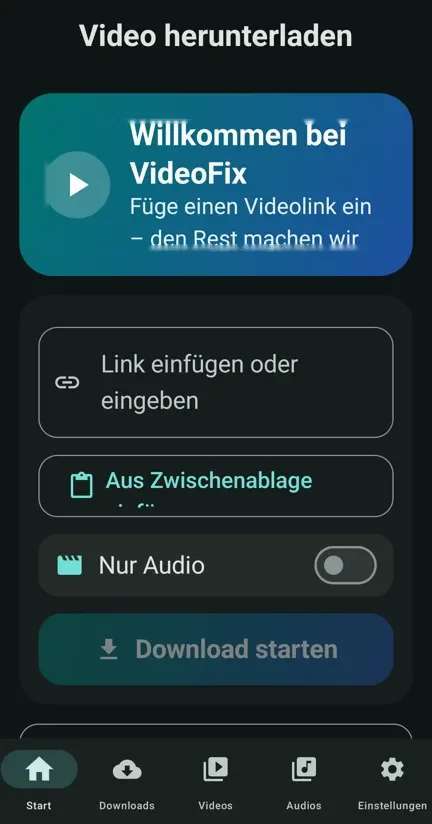
Download videos and audio from YouTube, TikTok, Instagram and hundreds more sites – easily.
Seeing “App not installed”? Try: Version for older phones · Version for every device (larger)
What does the app do?
Download from anywhere
YouTube, TikTok, Instagram, Facebook and hundreds more sites.
Whole playlists
Paste a playlist link and choose: every video or just one.
Your quality
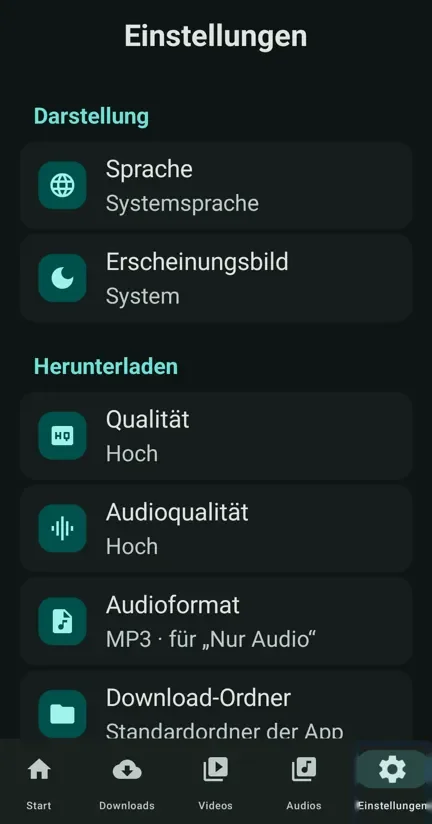
High, medium or low – or just the audio.
YouTube search
Find a video and download it without copying the link.
Background downloads
Keep using your phone; progress shows in the notifications.
Trim and split
Keep only the part you want, or split videos for WhatsApp status.
Extract audio
Turn any video into an MP3 file.
AI audio description
Gemini describes the video for blind and low-vision viewers.
3 languages
Arabic, English, German – plus dark mode and automatic updates.
Screenshots
How to install
4 steps and you're ready.
- Tap the download button and wait until it finishes.
- Open the file. If your phone asks, allow “Install from this source”.
- If Google Play Protect says the app is unknown, that is normal: it doesn't come from the Play Store. It is safe and free: tap “More details”, then “Install anyway”.
- Tap “Install”. Future updates arrive inside the app.
FAQ
Is the app free?
Yes, completely free and without ads.
Why isn't it on Google Play?
Google Play doesn't allow apps that download YouTube videos, so you get it straight from here. It is safe.
How do I get updates?
The app tells you itself when a new version is out, and you update with one tap.
Does it work with a screen reader?
Yes, it is built to work smoothly with screen readers.
My Telegram channel
Get updates first and suggest new apps. A question or an app idea? Write to me.